
Recorded on Zencastr or somewhere else, it gets transcribed
Every Zencastr recording gets transcribed automatically. Already have audio or video recorded elsewhere? Upload it and get the same fast, accurate transcript.

Every Zencastr recording gets transcribed automatically. Already have audio or video recorded elsewhere? Upload it and get the same fast, accurate transcript.
.webp) Get started
Get startedEvery Zencastr recording gets transcribed automatically. Already have audio or video recorded elsewhere? Upload it and get the same fast, accurate transcript.
Every Zencastr recording gets transcribed automatically. Already have audio or video recorded elsewhere? Upload it and get the same fast, accurate transcript.
Every Zencastr recording gets transcribed automatically. Already have audio or video recorded elsewhere? Upload it and get the same fast, accurate transcript.
Every Zencastr recording gets transcribed automatically. Already have audio or video recorded elsewhere? Upload it and get the same fast, accurate transcript.
Every Zencastr recording gets transcribed automatically. Already have audio or video recorded elsewhere? Upload it and get the same fast, accurate transcript.


Every Zencastr recording gets transcribed automatically. Already have audio or video recorded elsewhere? Upload it and get the same fast, accurate transcript.
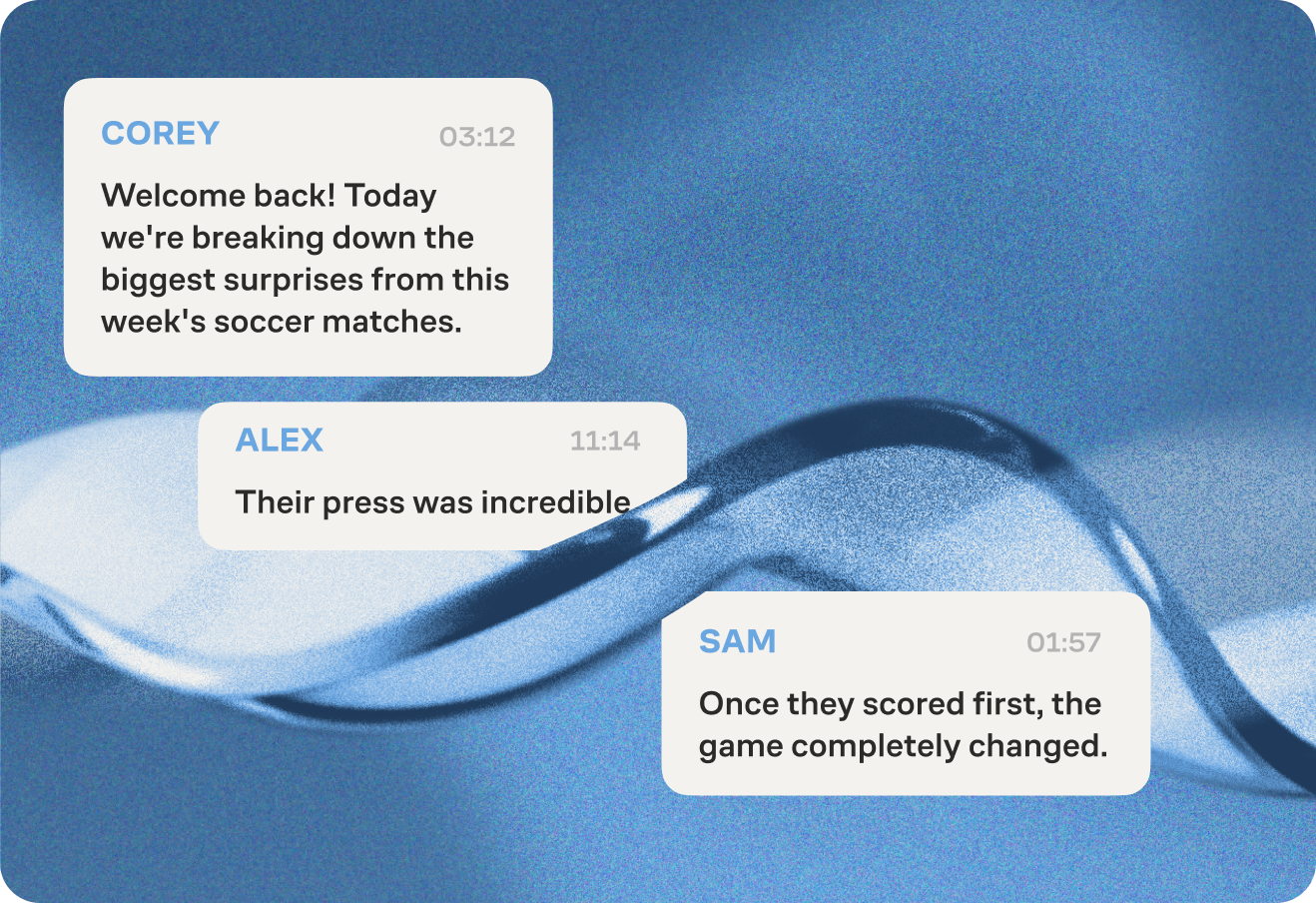
Your transcript automatically labels each speaker by name, so there’s no manual tagging, and no guessing who's talking.
 Get started
Your transcript automatically labels each speaker by name, so there’s no manual tagging, and no guessing who's talking.
Your transcript automatically labels each speaker by name, so there’s no manual tagging, and no guessing who's talking.
Your transcript automatically labels each speaker by name, so there’s no manual tagging, and no guessing who's talking.
Your transcript automatically labels each speaker by name, so there’s no manual tagging, and no guessing who's talking.
Your transcript automatically labels each speaker by name, so there’s no manual tagging, and no guessing who's talking.
Your transcript automatically labels each speaker by name, so there’s no manual tagging, and no guessing who's talking.
Get transcripts in 10 languages. Built to handle accents and regional variations, not just one "standard" version for each language.
.png) Get started
Get startedGet transcripts in 10 languages. Built to handle accents and regional variations, not just one "standard" version for each language.
Get transcripts in 10 languages. Built to handle accents and regional variations, not just one "standard" version for each language.
Get transcripts in 10 languages. Built to handle accents and regional variations, not just one "standard" version for each language.
Get transcripts in 10 languages. Built to handle accents and regional variations, not just one "standard" version for each language.
Get transcripts in 10 languages. Built to handle accents and regional variations, not just one "standard" version for each language.
Get transcripts in 10 languages. Built to handle accents and regional variations, not just one "standard" version for each language.
Your transcript gets broken into chapters. Edit or remove chapters, and everything stays synced with new timestamps.
.png) Get started
Get startedYour transcript gets broken into chapters. Edit or remove chapters, and everything stays synced with new timestamps.
Your transcript gets broken into chapters. Edit or remove chapters, and everything stays synced with new timestamps.
Your transcript gets broken into chapters. Edit or remove chapters, and everything stays synced with new timestamps.
Your transcript gets broken into chapters. Edit or remove chapters, and everything stays synced with new timestamps.
Your transcript gets broken into chapters. Edit or remove chapters, and everything stays synced with new timestamps.
Your transcript gets broken into chapters. Edit or remove chapters, and everything stays synced with new timestamps.
The same transcript that powers your chapters and clips also generates burned-in captions, automatically added to your episodes and clips, with no extra steps.
.png) Get started
Get startedThe same transcript that powers your chapters and clips also generates burned-in captions, automatically added to your episodes and clips, with no extra steps.
The same transcript that powers your chapters and clips also generates burned-in captions, automatically added to your episodes and clips, with no extra steps.
The same transcript that powers your chapters and clips also generates burned-in captions, automatically added to your episodes and clips, with no extra steps.
The same transcript that powers your chapters and clips also generates burned-in captions, automatically added to your episodes and clips, with no extra steps.
The same transcript that powers your chapters and clips also generates burned-in captions, automatically added to your episodes and clips, with no extra steps.
The same transcript that powers your chapters and clips also generates burned-in captions, automatically added to your episodes and clips, with no extra steps.
There are no limits to the number of minutes or hours that you can transcribe. Whether it's a short podcast episode or an extended interview, all your recordings on Zencastr are automatically transcribed without restrictions. Additionally, there are no limits to the number of hours of uploaded content you can transcribe per month.
Transcripts are provided in the widely used TXT and CSV formats, allowing you to easily download them and make edits.
Yes! Any edits you make using our editing tools, including the text-based editor for trimming or cutting sections, AI-powered smart filters for removing long pauses and filler words, or editable chapter markers, will be reflected in the final transcript. These changes will adjust both the content and timestamps, ensuring your downloaded transcript accurately matches your edited content.



